Fun with your Tesla
Paint Your Car Any Way You Like
Colour it in, add patterns, or just describe what you want. Your design shows up on your car's screen — nothing permanent, and you can change it whenever you feel like it.
Free · Takes about five minutes · Works on a phone or computer
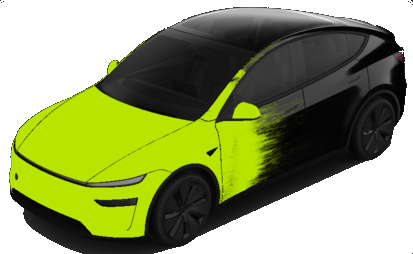
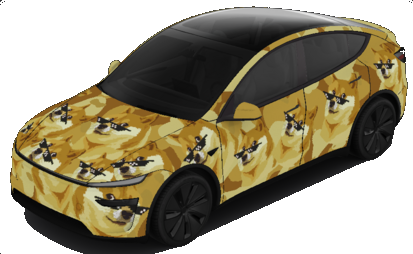
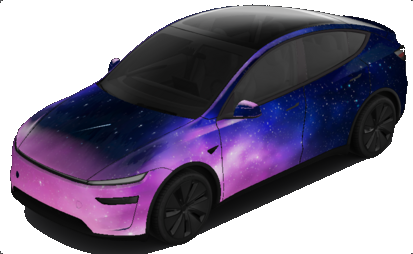
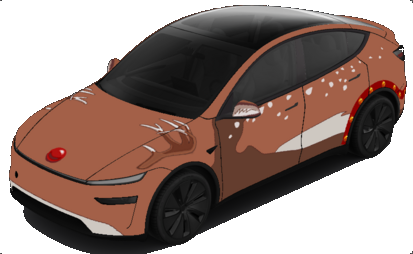
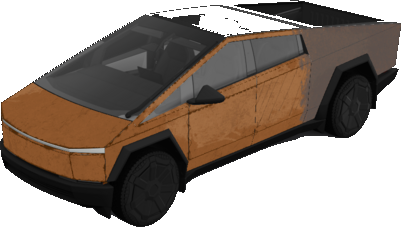
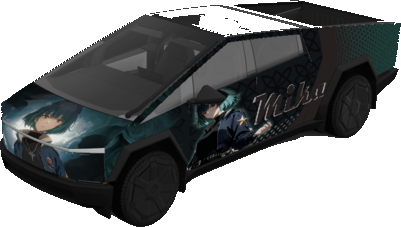
Which car do you have?
Pick it below so your design fits it perfectly. Not sure which one? Any guess is fine — you can change it later.
Which kind of Model 3?
Now make it yours
Tap a part of the car to colour it in. Try a pattern, or just type what you want and let the computer draw it. Nothing can go wrong — there's an undo button, and you can start over any time.
Type an idea and the computer draws it onto your car. Patterns and colours work best — think “stripes”, “flames”, “sparkly stars”. Pictures of things (a dog, a house) get stretched around the car and look odd. Quick takes a few seconds; Fancy can take a couple of minutes.
Recent tries
Tap any part of the car to colour it in
Rather use Photoshop or Procreate?Grab your car's outline and the rules for making your own file
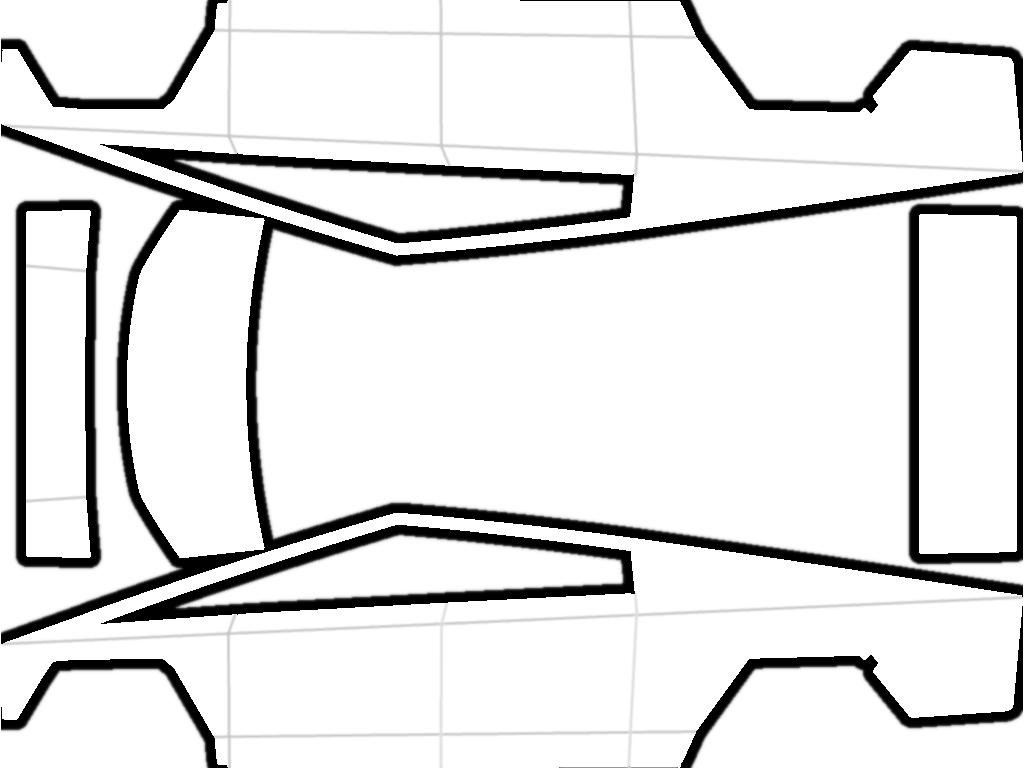
- Picture size
- 1024 × 768
- Save it as
- PNG
- Keep it under
- 1 MB
- Smallest allowed
- 512 × 512
Tip: keep the outline on its own layer at the top, turned down to a faint opacity, so you can see the panel edges while you paint.
Rules your file has to follow
Size
Between 512×512 and 1024×1024 pixels. Matching your car's outline exactly looks sharpest.
Weight
1 MB or smaller. Flatten your layers before saving to keep it small.
Name
Letters, numbers, spaces, dashes and underscores only, up to 30 characters. This is what you'll see in the car.
How many
Save it as a PNG. You can keep 10 designs from the phone app and 10 more from a USB stick.
Not sure your file is right?
Drop it here and we'll check it for you. It never leaves your device.
Drop your picture here, or tap to pick one
Nothing gets uploaded anywhere
- We'll tell you what's right and what needs fixing.
Resizes it to fit your car and shrinks it under 1 MB.
Send it to your car
The phone app is the easy way. A USB stick works too if you'd rather.
- 1
Check your Tesla app is up to date
You need version 4.59 or newer. If it's older, update it from the App Store or Play Store first.
- 2
Open the app and find Creations
Tap Creations, then Wrap.
- 3
Tap Upload and choose your design
It'll be in your Downloads or Photos, under the name you gave it. You can keep 10 designs here.
- 4
Give it a minute
Your car needs to be awake and online. The design appears on the screen shortly after.
- 1
Get the USB stick ready
Most sticks work straight out of the packet. If yours doesn't, erase it and pick exFAT — that's the safest choice on both Mac and Windows. These all work:
exFAT best betFAT32 WindowsMS-DOS FAT Macext3ext4One that won't work: NTFS.
- 2
Make a folder called
WrapsIt has to sit on the stick itself, not tucked inside another folder, and the spelling matters.
USB DRIVE
└── Wraps/
    ├── My Design.png
    ├── Camo_Green.png
    └── Sunset-Fade.png
- 3
Copy your designs into that folder
Up to 10 of them. Eject the stick properly before you pull it out.
- 4
Keep the drive clean
Remove any map update or firmware update files — the car will ignore wraps if they're present.
- 5
Plug into the car
Use a USB port in the center console.
Show it off
On your car's touchscreen, tap through these three things. Your design will be sitting there next to the normal paint colours.
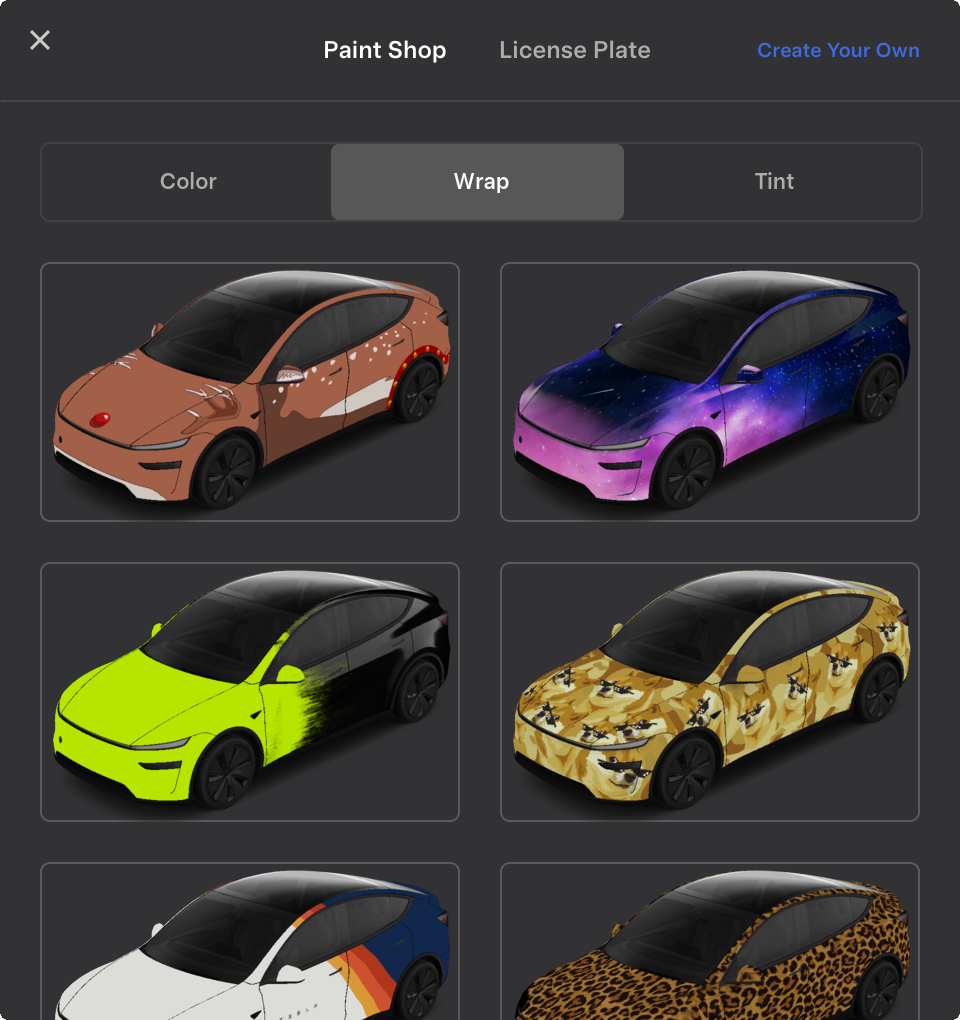
Or just pick a ready-made one
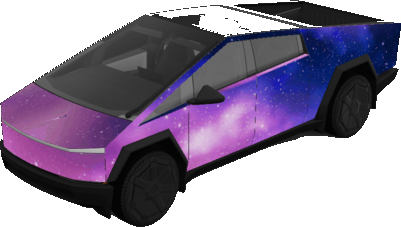
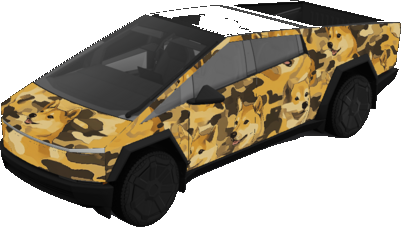
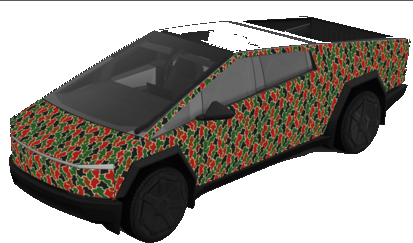
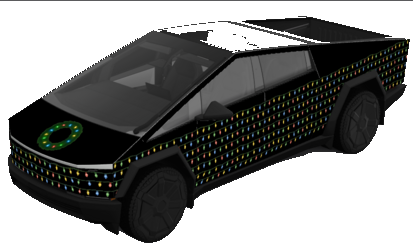
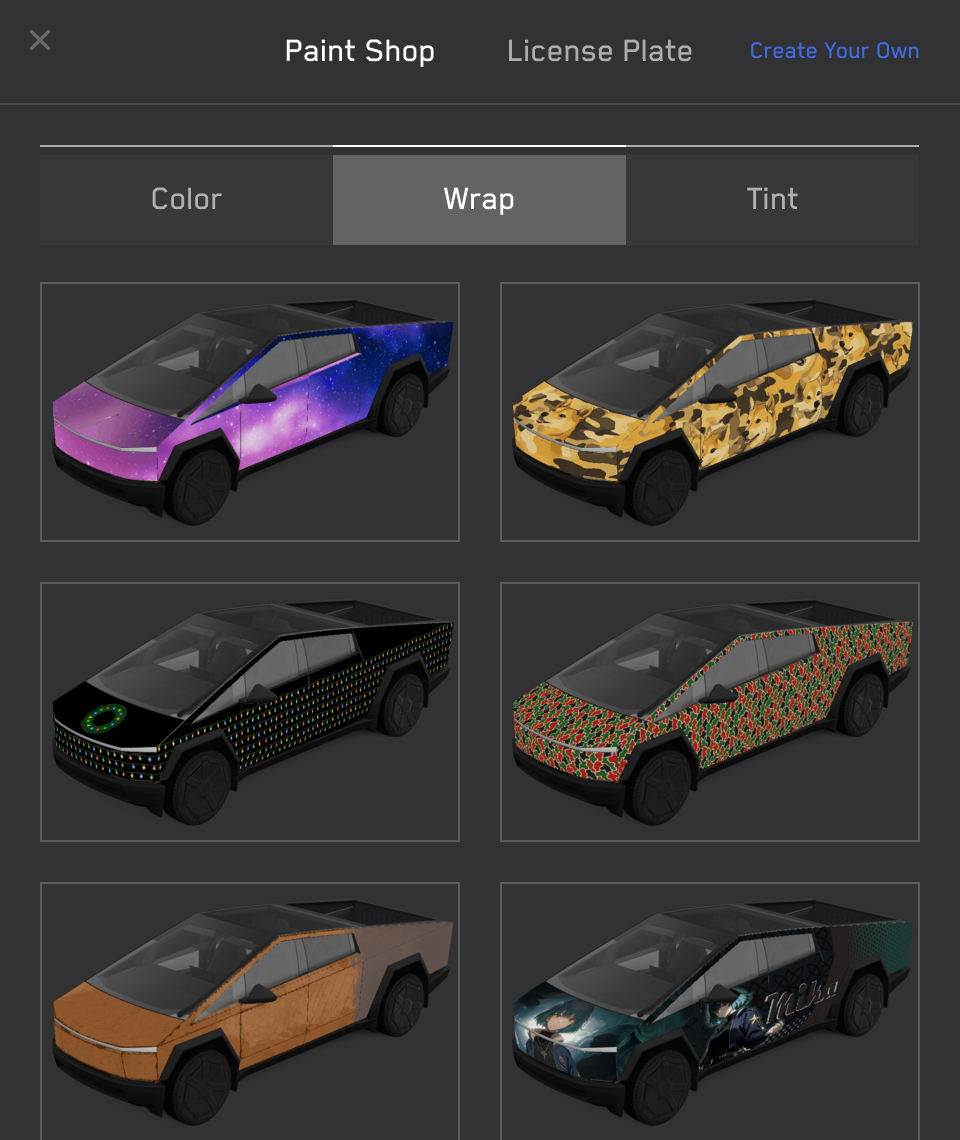
Tesla's own designs for the Cybertruck. Tap one to save it as-is — or open it in the designer and change it however you like.
Questions
Wait — does this actually paint my car?
No! Nothing happens to the real paint. Your design shows up on the picture of the car on the touchscreen and in the phone app. You can swap it or remove it whenever you like.
Is it safe to let my kids play with this?
Yes. The worst that can happen is a silly-looking car on the screen, and you can change it back in seconds. Nothing here can damage anything.
Why does my design look stretched on the car?
Your picture is flat, and the car is curvy — so it gets stretched to fit, a bit like wrapping paper around an odd-shaped present. Bends and corners stretch the most. Big simple shapes and patterns survive best; fine detail and small writing get squashed.
Nothing shows up from my USB stick
Check these one at a time:
- The folder is spelled exactly
Wraps, and it's on the stick itself rather than inside another folder. - The stick isn't formatted as NTFS. exFAT is the safe choice.
- There are no map or software update files on the stick — the car ignores designs if those are there.
- Each picture follows the rules in Step 2.
How many designs can I keep?
Ten from the phone app plus ten from a USB stick, so twenty on the car at once.
Do I have to pay for anything?
The designer, patterns and ready-made designs are all free. Only the "type an idea and let the computer draw it" part costs anything, and that's just if you choose to set it up with your own AI account.
It says my name isn't allowed
Stick to letters, numbers, spaces, dashes and underscores, up to 30 characters. Emoji, full stops and other symbols won't work.